What is legacy system? Clear guide to issues, risks, renewal, and cloud migration [2026 Edition]
This issue was highlighted in the Ministry of Economy, Trade and Industry’s “DX Report,” which warns that if companies leave their legacy systems unaddressed, Japan could face annual economic losses of up to 12 trillion yen from 2025 onward, leading to weaker international competitiveness.
In Japanese business settings, a “legacy system” is not a problem simply because it is old. It refers to a system that can no longer keep up with change and has become a drag on the business. Here, we clarify the correct understanding of the term.
What is legacy system?
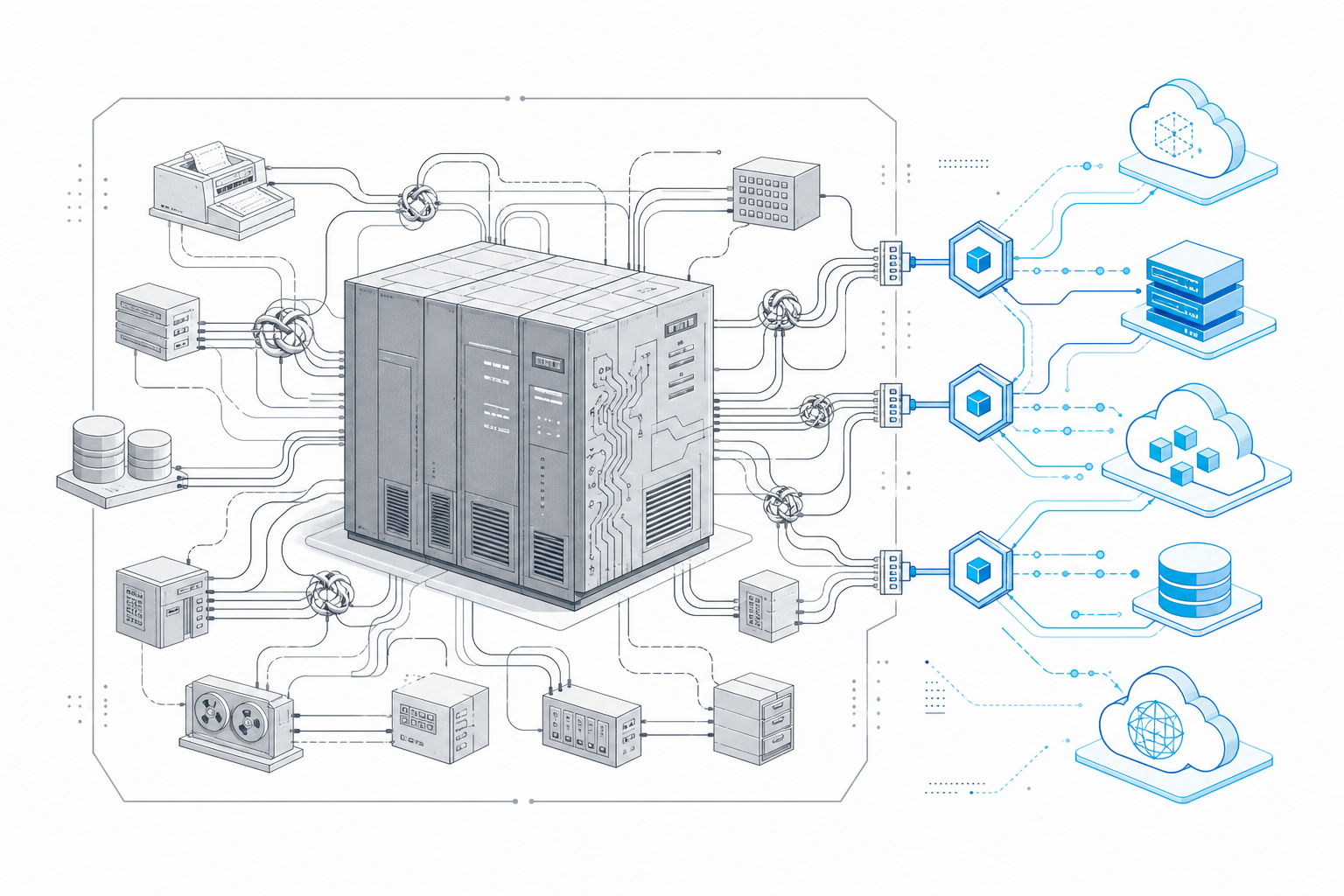
Source: Ministry of Economy, Trade and Industry, “DX Report: Overcoming the ‘2025 Digital Cliff’ of IT Systems and Full-Scale Deployment of DX (Summary)”
Definition and characteristics of legacy systems
A legacy system is an information system built on outdated technologies, architectures, processes, or operating models that has become difficult to maintain, modify, or integrate with other systems. These systems are often based on mainframes or office computers from the 1980s and are widely known as part of the “2025 Digital Cliff” issue because rising maintenance and operating costs can hinder DX initiatives. As a result, legacy system renewal, or modernization, has become an important management priority for many companies. What matters is not the age of the system itself, but whether it limits business agility or competitiveness.
Typical characteristics of legacy systems: features and definition
- Outdated programming languages and frameworks (COBOL, VB6, older Java, proprietary FW)
- Hardware, OS, and middleware with ended vendor support (EoL)
- Insufficient documentation and knowledge silos (limited personnel, dependence on tacit knowledge)
- API integration with external systems and SaaS is difficult
- Even minor changes have unclear impact, driving up testing workload and cost
- Security patches cannot be applied, delaying vulnerability remediation
- No Support for Modern Browsers, Devices, or Cloud Environments
Common examples of legacy systems
In real-world business settings, systems like following often apply. Examples by area
- Core systems (business systems such as sales, inventory, and accounting)
- Batch and online processing on mainframes
- Internal web systems built on proprietary frameworks
Common warning signs
- "Only one person can make system changes"
- "It does not run on the latest browsers, so the company uses IE compatibility mode"
- "Changing wording on reports takes weeks to months"
- "Every data integration requires custom batch processing or manual work"
Why do legacy systems become a problem?
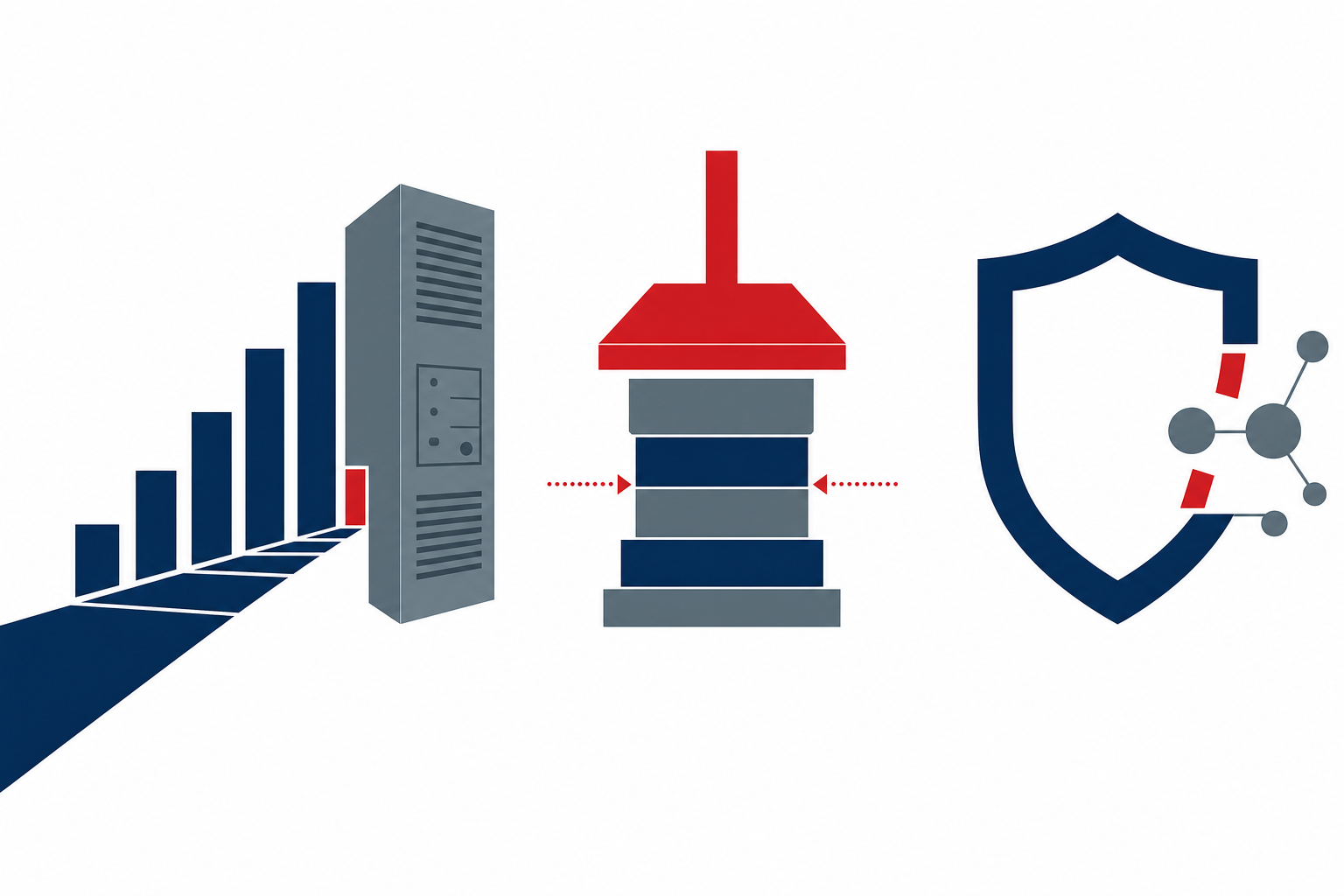
"It still works, so it is fine" can become the most costly assumption. Here is what can happen across business, IT, and security.
Business risks (lost opportunities and reduced competitiveness)
If services and channels cannot be expanded quickly in response to market changes, lost opportunities will continue to accumulate.
- Blocks DX: API integration difficult; connection to SaaS or external data impossible
- Lack of Support for New Models: Delays in Launching Subscriptions, D2C, and Online Ordering
- Barriers to data utilization: lack of real-time analytics and company-wide data integration delays decision-making
- As result, companies miss virtuous cycle of better customer experience, higher operational efficiency, and sales growth
Higher workload and costs for IT department
Teams become stuck in reactive operations, leaving no room for proactive IT investment.
- Aging maintenance staff and retirement risk make handover difficult and create black boxes
- Impact is hard to assess, making large-scale testing necessary even for minor changes
- Operating and maintenance costs rise year after year, while new feature development stalls (rising TCO)
- Mini case: maintenance costs increase every year, yet users say “nothing has changed”
Security and compliance risks
Single major incident can cause losses exceeding savings.
- Vulnerabilities Cannot Be Addressed Because OS or Middleware Is No Longer Supported
- Incomplete logs and inadequate encryption hinder investigation and reporting when incidents occur
- Difficult to comply with regulations in finance, healthcare, personal information protection, and other areas
Causes of legacy systems
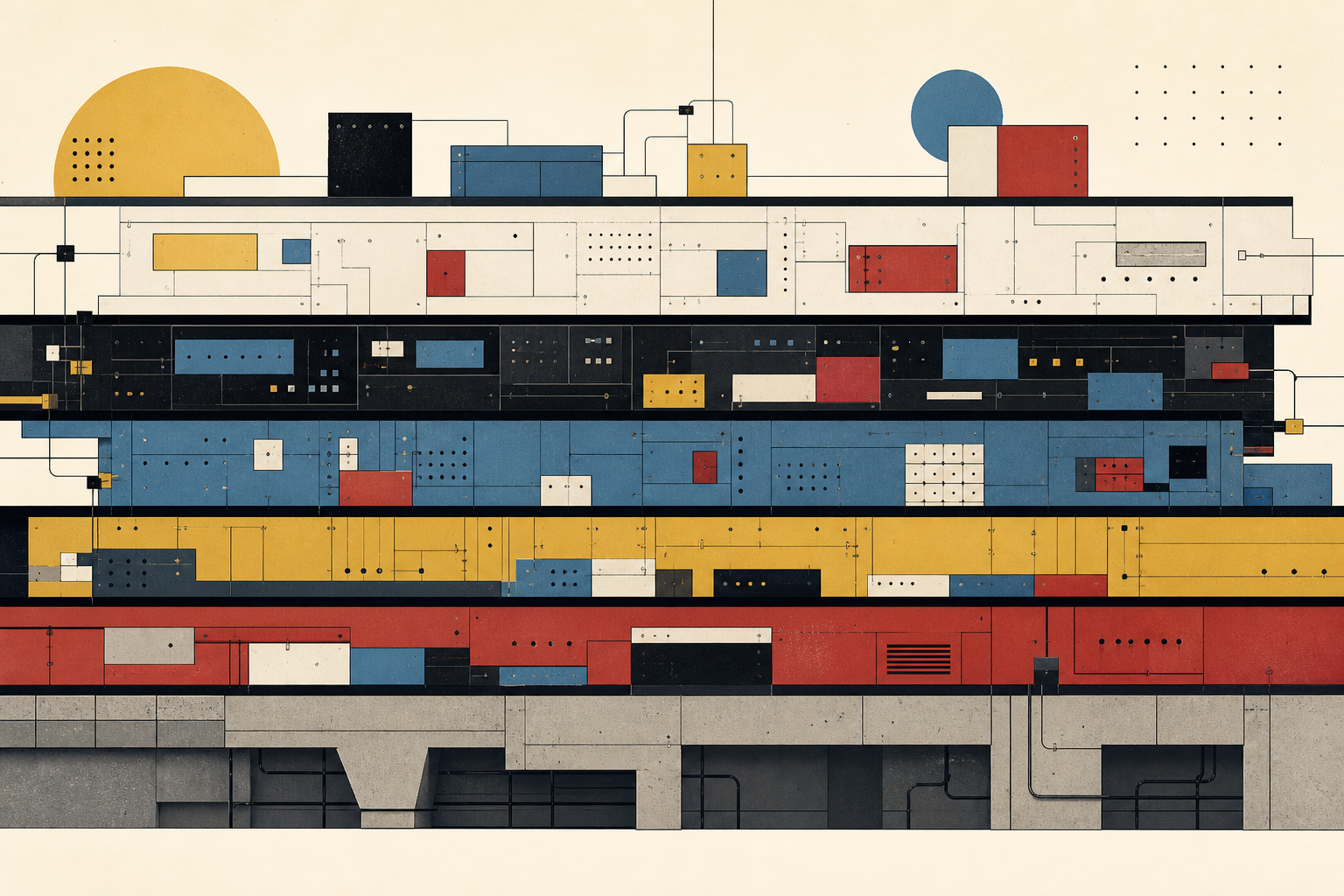
First step is not assigning blame, but understanding why issue occurs within system. This also serves as persuasive evidence.
Years of customization and ad hoc modifications
The more short-term demands are met, the more system structure becomes distorted.
- Each additional request is handled case by case, creating patchwork system
- Ad hoc fixes break consistency, and no one understands the overall design.
- Unclear impact of changes in one area discourages system modifications
Shortage of technical talent, knowledge silos, and lack of documentation
Black boxes emerge in both people and paper-based processes.
- Personnel lock-in and insufficient training create “only that person understands it” situations
- Incomplete and outdated documentation disrupts knowledge transfer
- Prolonged vendor dependence → know-how loss due to contract or organizational changes
Deferred Investment Decisions and a “Use It Until It Breaks” Culture
Short-term optimization amplifies long-term risk.
- Modernization postponed because “it still works” or “other projects take priority”
- Unclear ROI and concerns over failed renewal risk stall decision-making
- As result, technical debt grows like snowball
Is your system legacy? Checkpoints and self-assessment
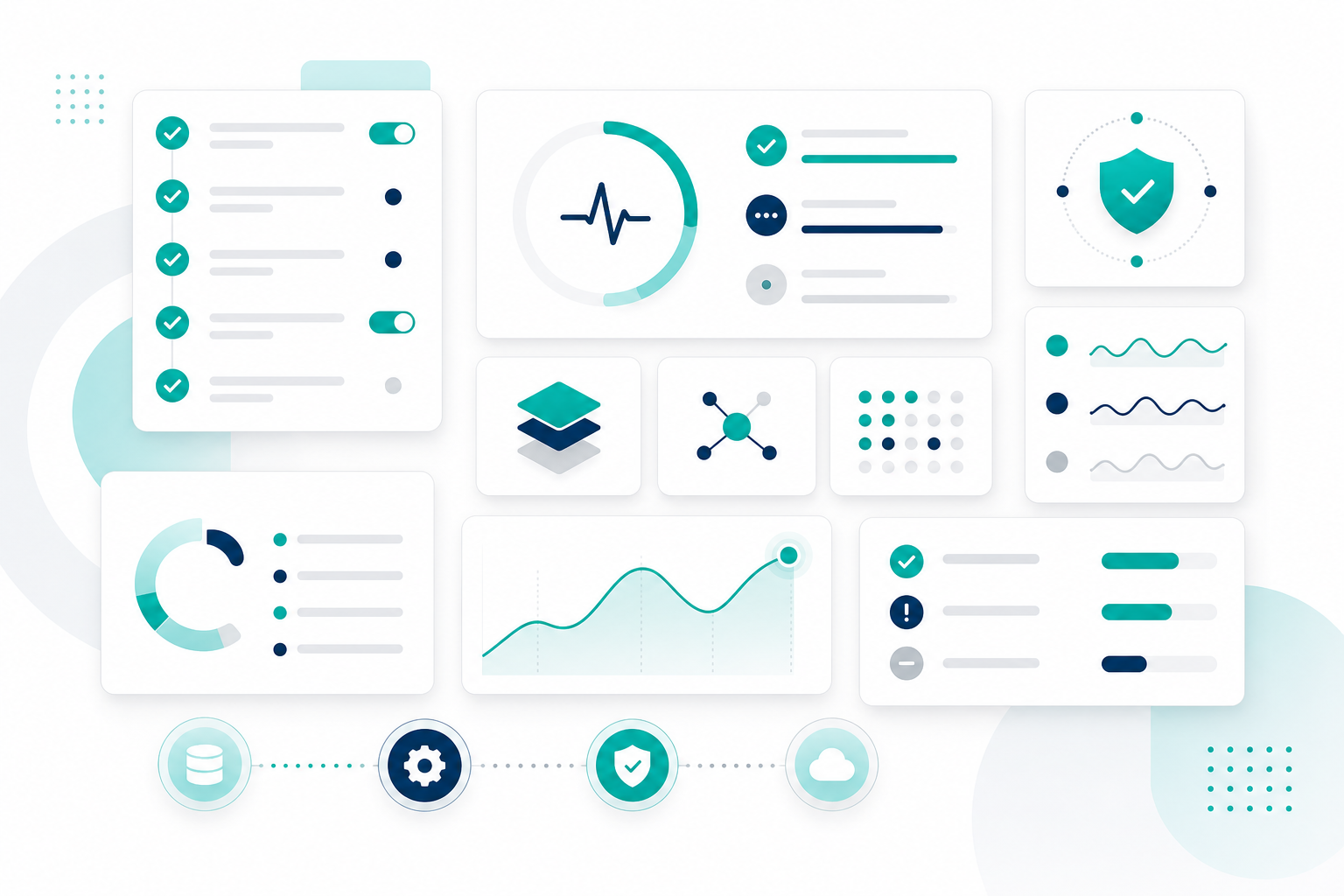
Make decisions based on facts, not intuition. Use the following checklist to screen your current situation.
Technology and architecture checklist
If three or more of the following apply, your system is likely becoming increasingly legacy.
- Whether OS and middleware in use remain supported
- Ease of hiring and developing talent for key languages and frameworks
- Whether System Architecture Diagrams and Design Documents Are Up to Date
- Whether automated testing (unit/E2E) and CI/CD are in place
- Whether external integration via API possible (not dependent on batch processing or manual work)
- Whether Cloud Support Is in Place, Including Scalability and Availability Design
- Whether Security Patches Are Being Applied in a Planned Manner
- Whether auditing, logging, and encryption meet required standards
- Whether Operational Standardization, Such as Containerization and Virtualization, Is Progressing
- Whether functions are overcrowded in single monolith
Operations and business checklist
Review also from perspective of operational burden and business impact.
- Minor report changes take weeks to months
- Business Operations Are Being Adapted to System Constraints
- More Than Six Months to Add New Services or Channels
- Change impact analysis and acceptance testing are consistently excessive
- Security and audit response feels more burdensome than at other companies
- Vendor quotes rise year after year, while cost-effectiveness remains unclear
Score Guide: 0–2 items = minor issues, 3–5 items = moderate issues, 6 or more items = major issues. If you feel more detailed diagnosis is needed, consider assessment by a specialist.
How to move away from legacy systems and build modernization strategy
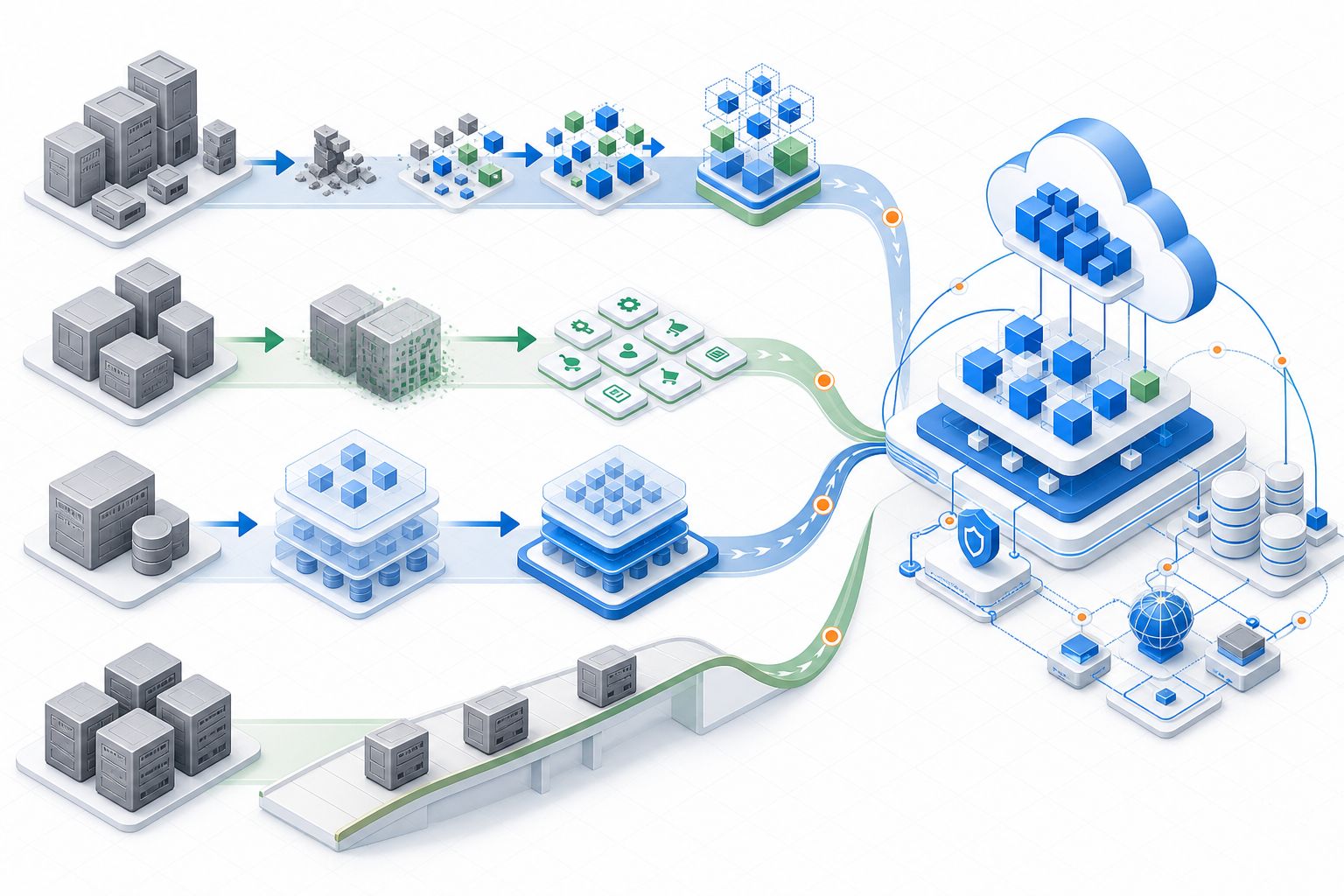
Goal: “Keep Evolving Without Breaking or Stopping.” Practical Answer: Phased Approach.
How to avoid jumping straight into a full replacement
Big-bang approach carries high failure risk in timeline, cost, and user adoption. Phased modernization is more practical: analyze current state, build roadmap, start small by priority, and accumulate impact and learning.
Common approaches to legacy system modernization
Legacy system modernization can be grouped into four main approaches, depending on objectives and constraints such as business impact, cost, and risk.
① Rebuild
- This approach retires the existing system and rebuilds it from the requirements definition stage. It enables a fundamental review of business processes and architecture, offering the greatest future potential while also carrying higher risks in terms of cost, effort, and business impact.
② Rewrite
- This approach rewrites source code using newer technologies while largely preserving existing business logic. Because it can eliminate technical debt while maintaining business specifications, it is a relatively common choice among Japanese companies.
③ Replatform
- This method moves the runtime platform and middleware to a new environment without major changes to the application structure. A typical example is migration from on-premises to the cloud, delivering a degree of modernization while keeping cost and risk under control.
④ Rehost
- This method migrates an application to another environment with little to no change. It is commonly known as Lift & Shift and enables a short, low-risk migration, but its modernization impact is limited.
Steps for phased modernization
Role allocation: business units define requirements and value hypotheses, IT oversees architecture and quality management, and partners drive design, implementation, and automation platforms.
Current-state survey (assessment and inventory)
Visualization of Architecture, Code, Operations, and Costs
Visualization of risks and costs
Sort by priority: impact × urgency × ROI
Strategy and Roadmap Development
Select an Approach for Each System
Start with PoC/small-scope areas
Establish success patterns and standards
Full-Scale Rollout and Parallel Operation
Detailed planning for phased migration and data migration
Operations and improvement cycle
Set SLOs/quality indicators and improve continuously
Key points for successful legacy system renewal
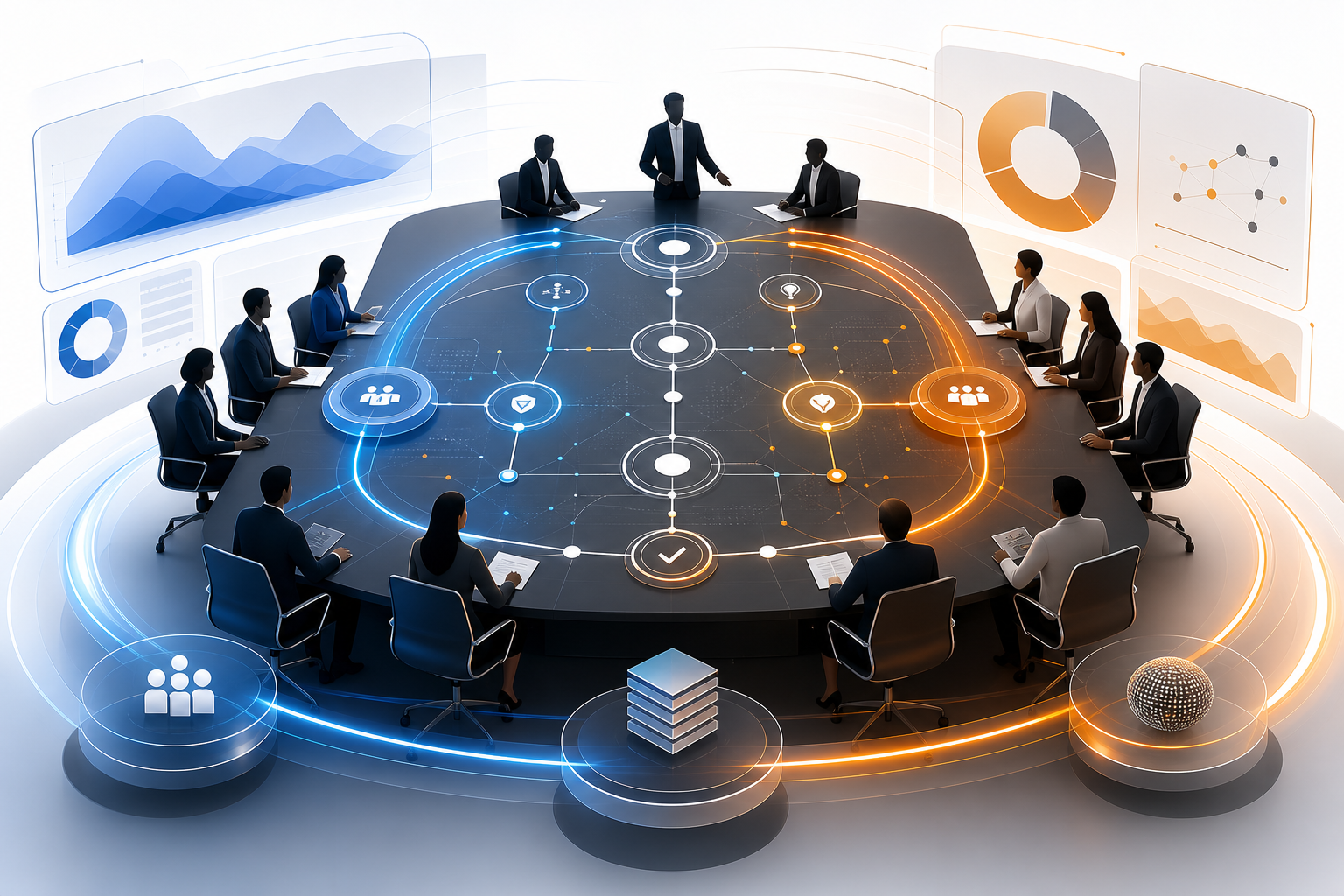
Successful companies share a well-balanced approach across management and frontline teams, as well as internal and external resources. Focus on the points that work in practice.
Engage management and business departments
Treating it not as IT-only topic but as management issue is key.
- Messaging focus: risk reduction (security and business continuity) × growth opportunities (new services and data utilization)
- Clear KPIs: development lead time -30%, operations workload -20%, incidents -50%, change frequency x2, and more
- Facilitating decision-making: use PoC to visualize impact and phased investment to reduce uncertainty
Balance between in-house development and use of external partners
Keep core expertise and operations design in-house; use external partners for implementation, testing, and 24/7 operations.
- Benefits of Offshore/Nearshore: Cost Optimization, Access to Large-Scale Resources, and Advanced Technology Support
- Collaboration model example: establish requirements and quality management in Japan, with implementation and automation handled by overseas team
- SMILE provides structure combining quality and speed through Japanese-speaking PM/BrSEs and Vietnamese development teams.
Legacy system modernization support by SMILE
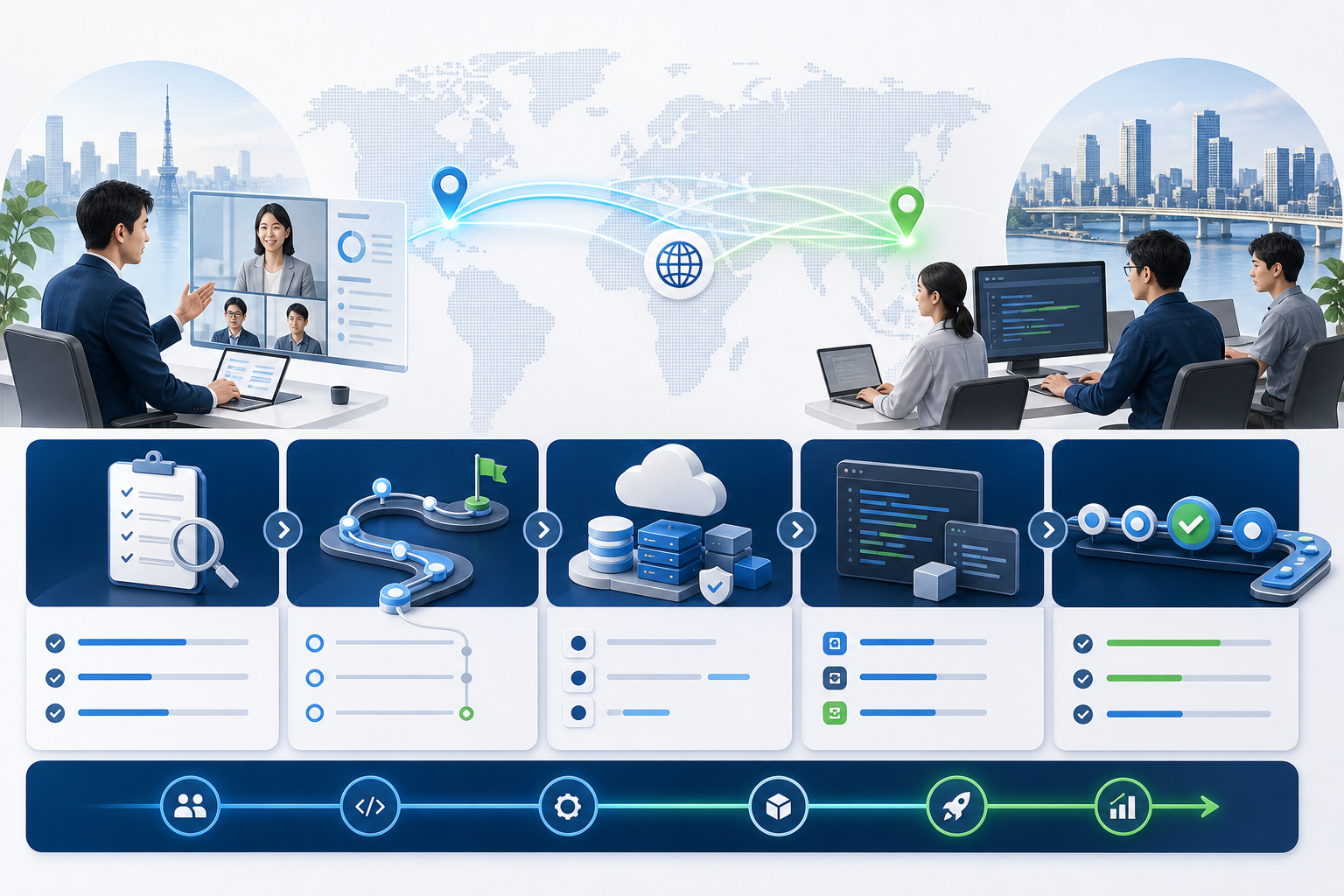
"Start small, validate, and expand in phases." SMILE combines DX support with offshore development to guide low-risk, high-efficiency modernization.
SMILE strengths: combined DX support and offshore development
- Strengths: Japanese market expertise × development capabilities based in Vietnam. End-to-end support from upstream design to development, testing, and operations
- Team structure: Japanese-speaking PM/BrSE plus specialist teams for cloud, Web, mobile, and AI
- Value: Balance cost and quality; validate through PoC, then maximize ROI through full-scale rollout
Start small with a legacy assessment and PoC support to evaluate impact and risk.
Legacy system assessment and roadmap development service
Assessment and proposal process
- To drive system modernization reliably and effectively, our company
- We conduct assessments and reviews through a clear, step-by-step process.
- This enables us to manage risk properly while proposing the best approach for your business goals.
Current-state assessment (interviews)
- Clarifying Core Business Functions, Workflows, and Dependencies
- Review of Existing System Architecture and Inter-System Integrations
- Understand operations and maintenance structure and release process
- Interviews on current issues and improvement needs
Technical Assessment
- Based on interview findings, we conduct detailed evaluation from technical perspective.
- Architecture and scalability of current system
- Source code status
- (Programming Languages Used, Complexity, Maintainability)
- Infrastructure and Runtime Environment
- (On-Premises / Cloud)
- Technical constraints, licenses, and relationships with related systems
Risk and issue analysis
- We identify potential risks and issues from an independent, neutral perspective.
- Technical risks from legacy technologies and dependence on specific individuals
- Operational and security risks
- Constraints Related to Cost, Performance, and Scalability
- Organized by impact and response priority
Proposed Strategy and Roadmap
- Based on analysis results, we propose optimal modernization strategy.
- Selecting an Approach
- (Migration / Improvement / Rebuild)
- Define implementation scope and sequence for each phase
- Prioritization Based on Investment Impact
- Presentation of Estimated Cost and Timeline
Deliverables
System Assessment Report
Organize and visualize current state, key issues, and risks
Modernization and migration roadmap
Proposed implementation phases and schedule
Standard Guidelines
Guidelines for Quality, Security, and Automation in Development and Operations
Conclusion
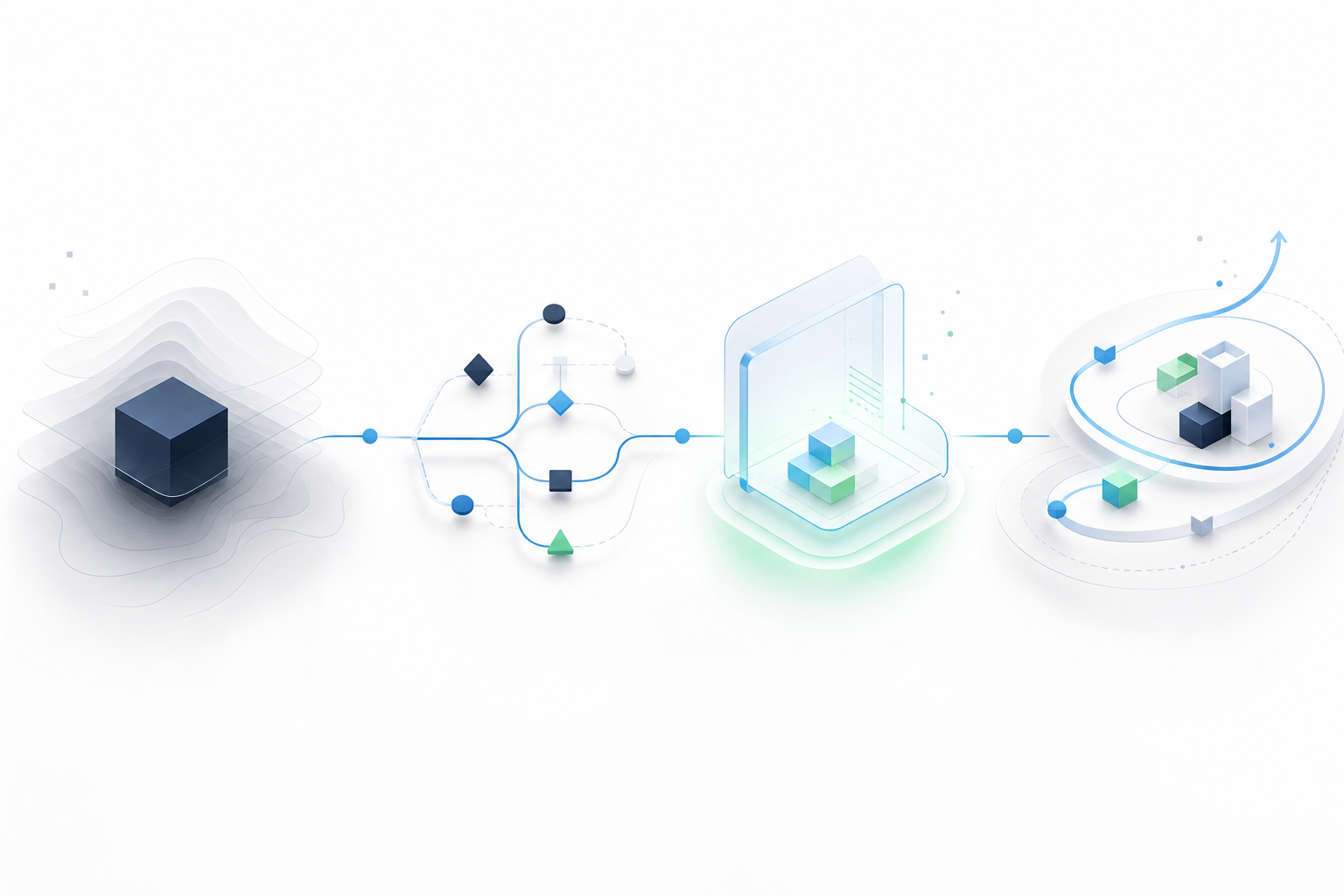
Legacy systems are not safe simply because they still run; they are a management issue that carries hidden costs and risks. The fastest solution is to accurately understand legacy system issues, visualize the current state through legacy system assessment methods, and address them step by step.
Start by using an assessment method to inventory and prioritize systems. Then design legacy system modernization or cloud migration in phases based on the 7Rs, estimate the cost and ROI of legacy system renewal, and validate on a small scale.
Success depends on identifying impacted areas, reducing migration risk through the strangler pattern or parallel operation, strengthening security and audit readiness, and aligning on the roadmap and KPIs before moving forward.
If you are unsure where to start, use third-party assessment or PoC support to validate the next step with low risk.
Contact us about legacy system renewal
If you need to clarify current-state diagnosis, modernization policy, cloud migration, or how to proceed with a PoC, consult SMILE.
- We clarify current state and technical assessment.
- Visualize risks and response priorities
- We design a phased roadmap and PoC.