


Why are AWS bills so high? Seven causes of rising cloud costs and how to address them
Introduction
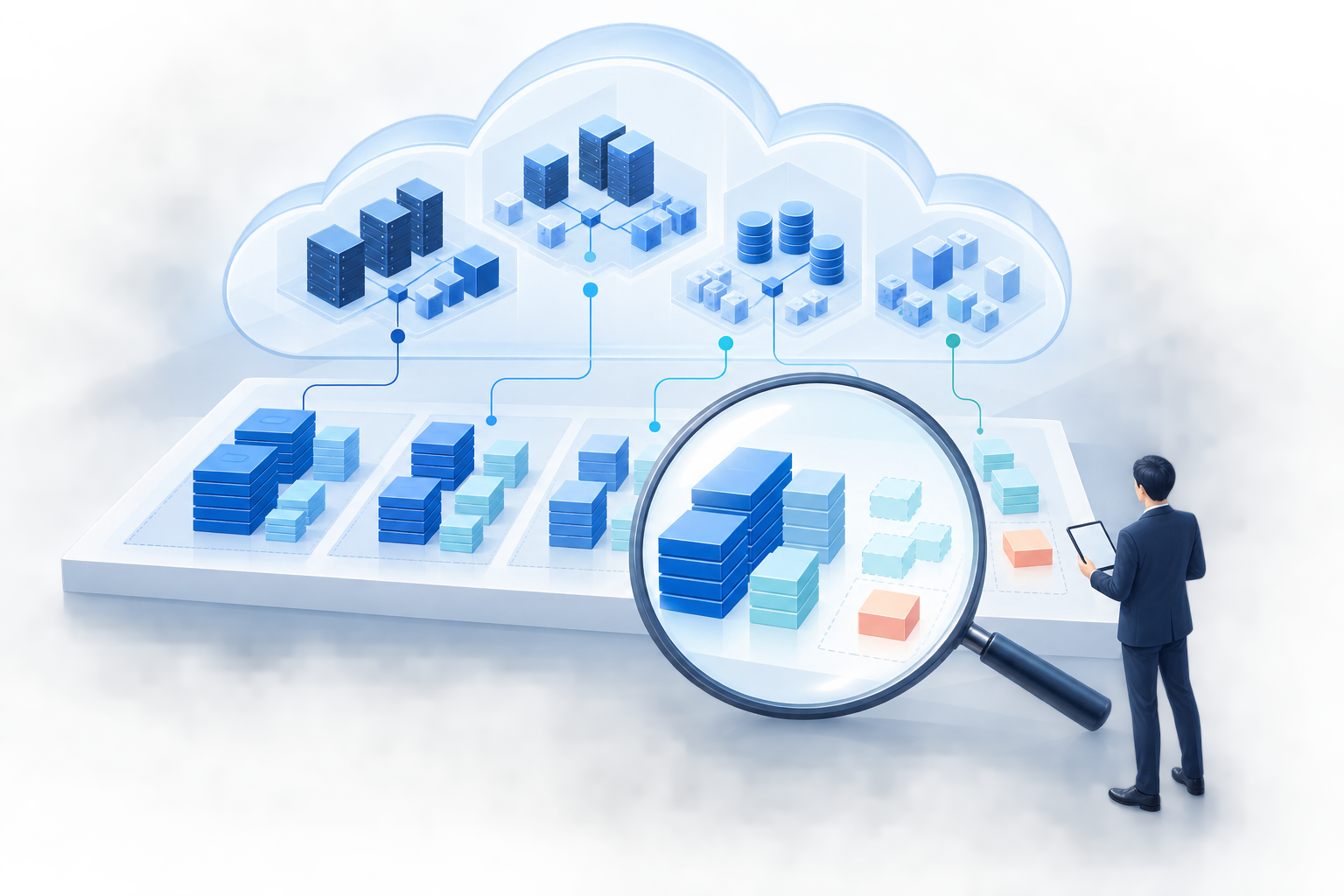
As your use of AWS expands across services and teams, costs can rise. The first step is to look beyond the total bill and examine what is driving it. This article explains seven common causes of rising costs and outlines a safe approach to reducing them for teams responsible for AWS operations and budget management. It also distinguishes costs driven by increased usage from avoidable spending.
Why AWS costs are hard to track

AWS charges are based on usage across services such as compute, storage, and data transfer. AWS Cost Explorer lets you analyze cost and usage trends by time period, service, and other dimensions. Data is updated at least once every 24 hours, though upstream data delays may affect when updates appear. That is why it is important to review trends and cost breakdowns regularly, rather than looking only at the total bill.
7 Reasons Cloud Costs Keep Rising
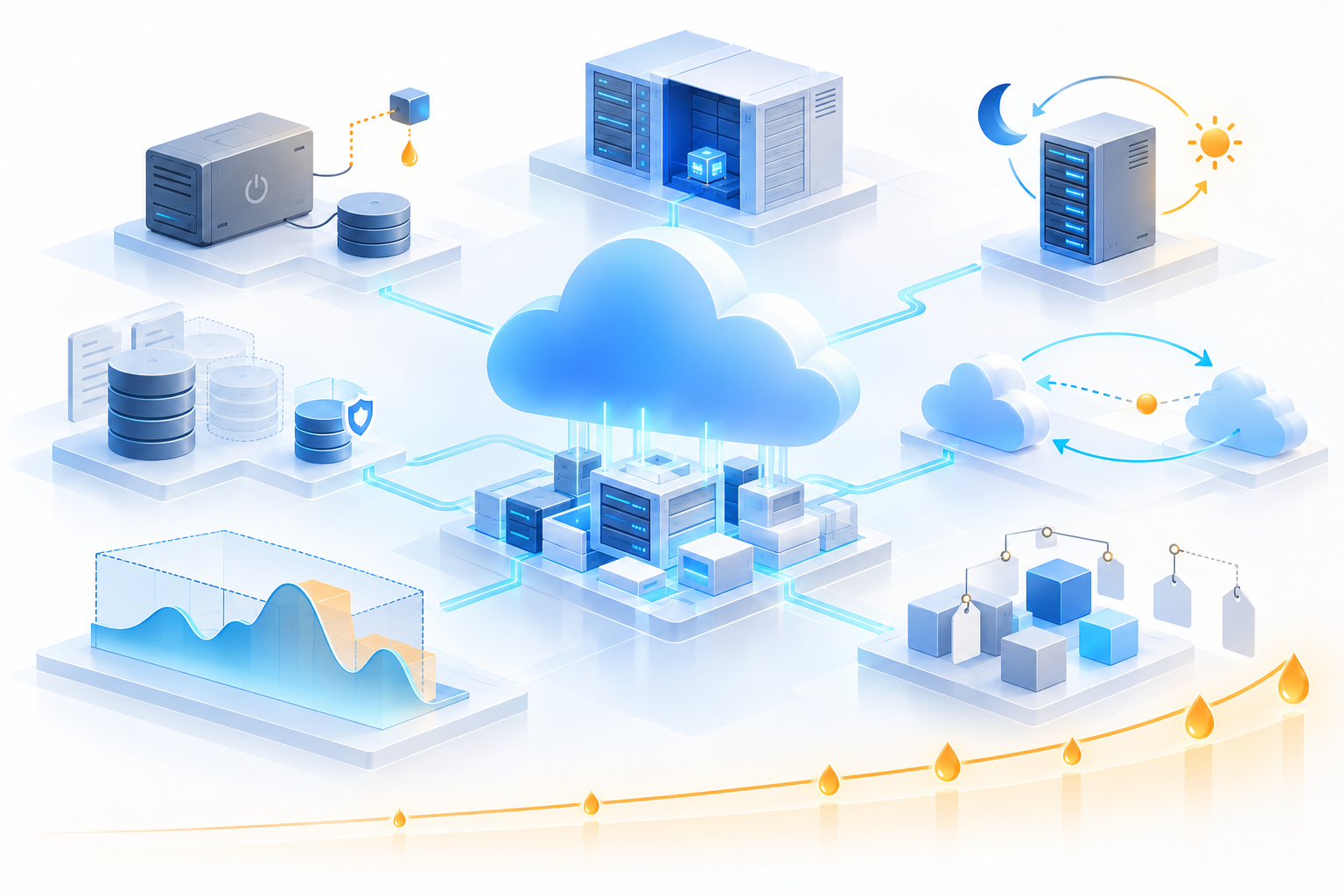
1. Unused resources are still running
Unused test instances, old EBS volumes, and unnecessary load balancers continue to incur charges if left in place. For example, stopping an on-demand EC2 instance stops its instance usage charges, but charges for its EBS volumes and any retained Elastic IP addresses continue. Review running instances separately from resources that remain after an instance is stopped.
2. Resources are oversized
Continuing to use instances that are too large for the workload or services with more capacity than needed leads to costs that exceed actual usage requirements.
3. Development and testing environments run around the clock
Running environments that are not needed at night or on holidays as if they were production environments increases billable usage hours.
4. Unnecessary data accumulation and unsuitable storage methods
Expired backups and logs, along with unnecessary duplicate data, increase storage costs and management overhead. Continuing to use a storage class that does not match how often data is accessed can also drive up costs. However, backups and redundant configurations needed for recovery and availability should not be treated as waste. Review retention periods, recovery requirements, and data retrieval charges before making changes.
5. Overlooking data transfer costs
Data transfers between regions or to the internet, along with unnecessary data movement caused by your architecture, can drive up costs.
6. A mismatch between demand and the pricing plan
Leaving steady workloads on pay-as-you-go pricing while applying long-term commitments to variable workloads may prevent you from achieving the expected cost savings.
7. Unclear cost ownership and allocation
Without a clear tagging strategy and account structure, it is difficult to see which teams or systems are driving costs—and harder to decide where to focus cost-saving efforts.
How to Make Improvements
1. Track changes in costs
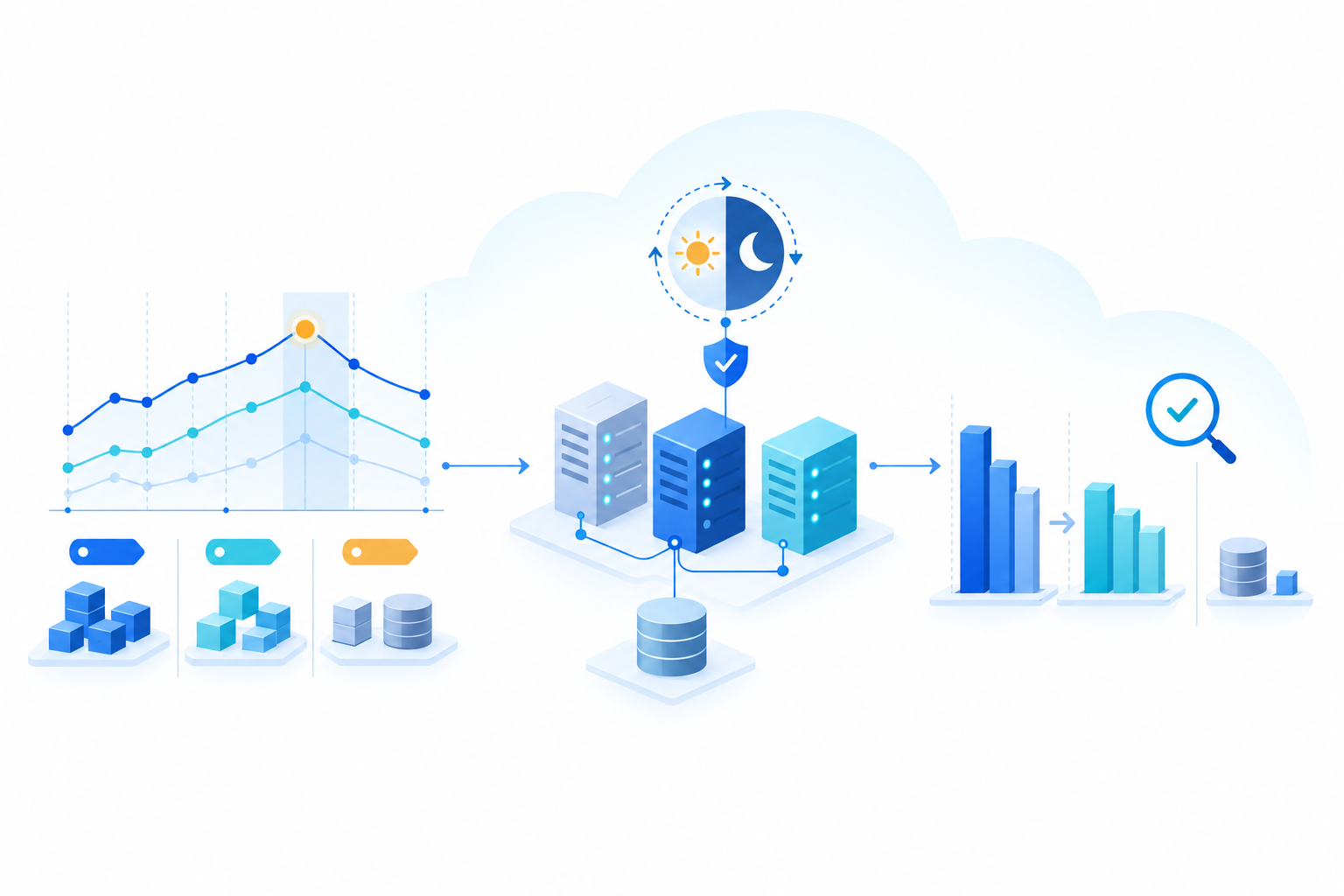
Use Cost Explorer to review monthly trends and filter costs by service, account, region, and other dimensions. Start with the largest increases and compare when costs changed against configuration changes and release records. Also account for the number of days in each comparison period, transaction volumes, and changes in unit prices or exchange rates so you can distinguish growth-driven spending from waste.
2. Clarify who is responsible for what
Define tagging rules for teams, systems, and environments, then check that they are applied consistently. To analyze costs by tag in Cost Explorer, you must tag the resources and enable the relevant cost allocation tags in Billing and Cost Management. Establish separate allocation rules for shared costs that tags cannot distinguish.
3. Start by eliminating low-risk waste
First, confirm who owns each resource, what it is used for, and whether other systems depend on it. Then stop or remove unneeded resources, adjust development environment operating hours, and clean up old data. Before deleting anything, check data retention obligations, backup requirements, and recovery procedures.
Consider a development EC2 instance that is not needed at night or on weekends. First, check for overnight batch jobs or external integrations. Then work with the responsible team to set a shutdown window and a restart time before the workday begins. Test the schedule on a small scale, and confirm that the instance starts normally and required processes are running when the workday begins.
After making changes, compare periods of equal length with a similar mix of weekdays and weekends. Account for factors such as transaction volumes and unit prices, and assess EC2 usage charges separately from costs that remain for EBS and Elastic IP addresses. If you have Savings Plans or Reserved Instances payments, include them when evaluating the impact on actual costs.
Check not only costs but also whether required processing finishes on time, how quickly the system responds, and whether errors occur. If the system does not meet the agreed business requirements, disable the shutdown schedule and investigate the cause. This example illustrates a verification process; it does not claim any specific cost savings or results.
4. Review the size and configuration
Review CPU and memory usage alongside response times, transaction volumes, and capacity headroom during peak periods. Then identify overprovisioned resources and unnecessary network paths. Test proposed changes under both normal and peak loads, and define acceptable response times, error rates, and rollback criteria in advance. Continue monitoring performance and availability after making changes.
5. Review the pricing model once usage stabilizes
Review historical usage and future plans, then compare options such as Savings Plans and Reserved Instances. With Savings Plans, you commit to a set amount of usage per hour, measured in U.S. dollars, for 1 or 3 years. You must pay the committed amount even during hours when eligible usage falls below it.
The key is to base your commitment on usage you expect to sustain, not on peak demand. Because eligible services and discount terms vary by plan, review usage fluctuations, commitment length, coverage, and payment options. Compare Reserved Instances based on their eligible services and contract terms as well.
6. Make improvements a regular practice
Assign an owner, set a review schedule and target metrics, and configure alerts for sudden cost increases. AWS Cost Optimization Hub brings together recommendations for right-sizing eligible resources, removing unused resources, and using Savings Plans or Reserved Instances. Before acting on a recommendation, check its eligibility criteria and business impact, and test any configuration changes before applying them.
What to Consider Before Making Changes
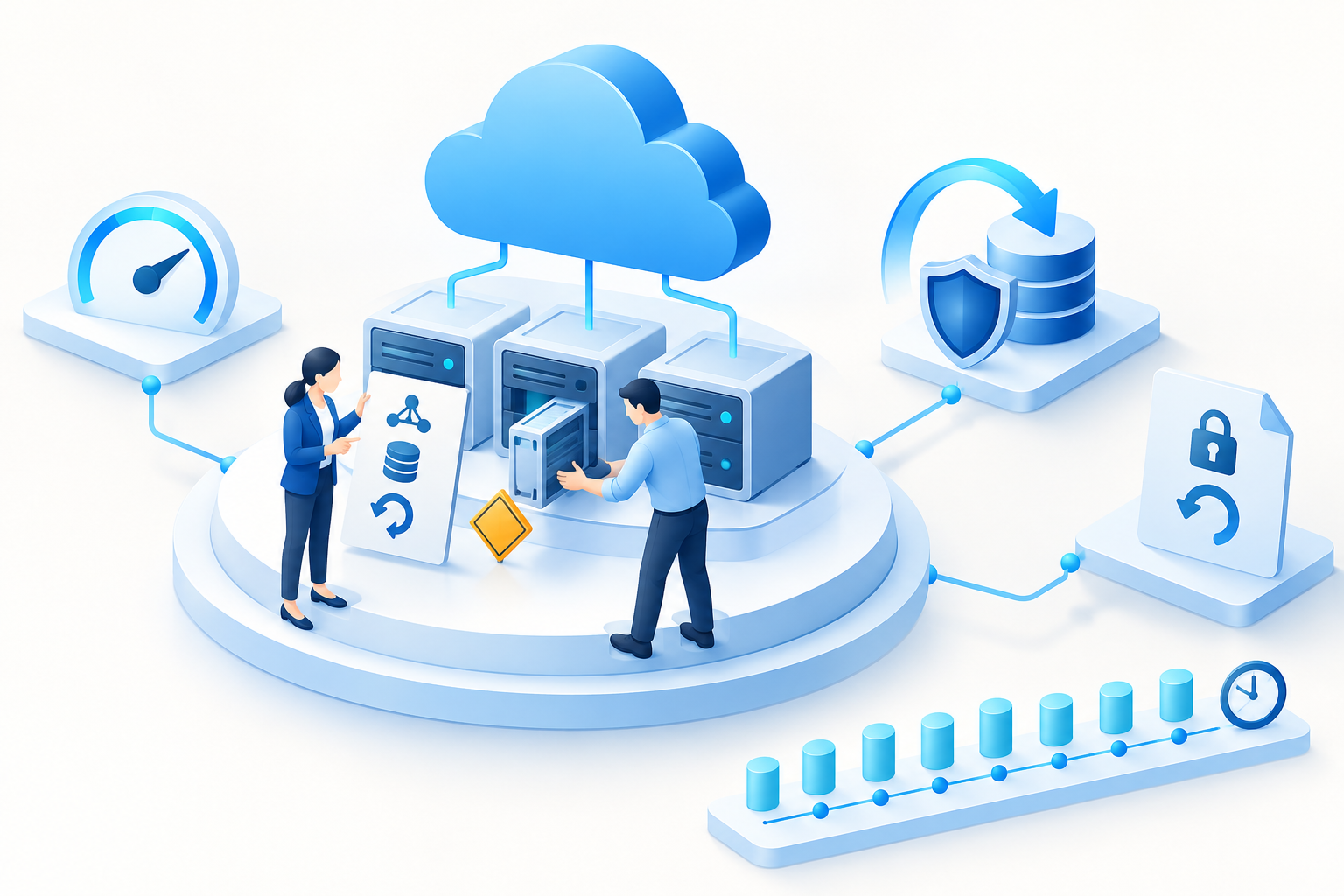
Prioritizing cost savings alone can lead to poorer performance, slower recovery from outages, and insufficient logs. Before deleting resources or changing configurations, agree on the approach with the service owner, assess the impact, and confirm backups and recovery or rollback procedures. Then implement the changes in stages. For long-term pricing commitments, check in advance whether changes, cancellations, or refunds are permitted after purchase and what conditions apply. Because reporting data may be delayed, avoid making decisions based on a single day's figures.
Conclusion
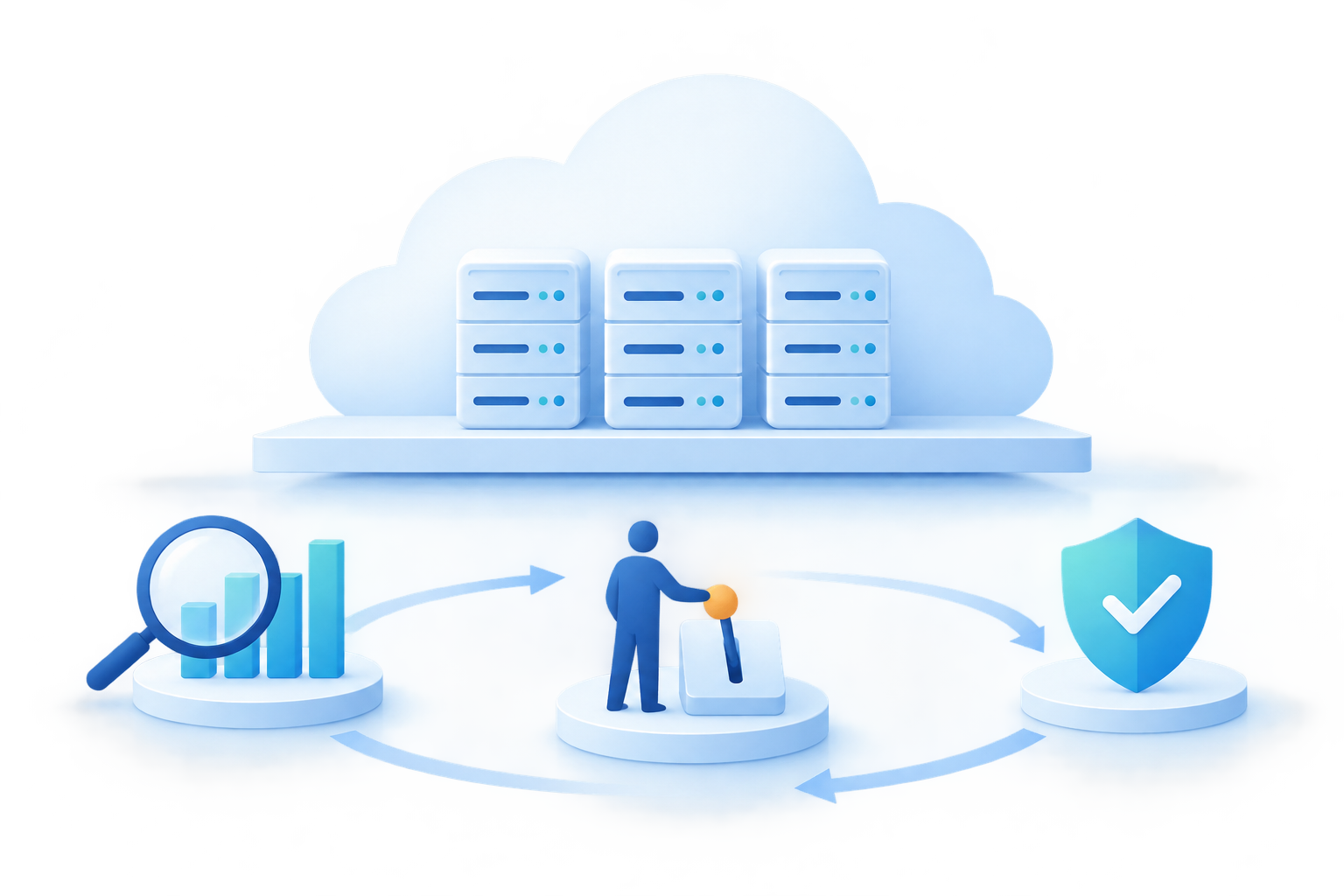
Rising AWS costs often result from a combination of unused resources, overprovisioning, operating hours, stored data, data transfer, pricing plans, and limited cost visibility. Start by breaking down your costs, assigning clear ownership, and making low-risk improvements. Regular reviews and carefully managed changes make it easier to balance costs with business requirements.
FAQ
Where should I start when analyzing AWS costs?
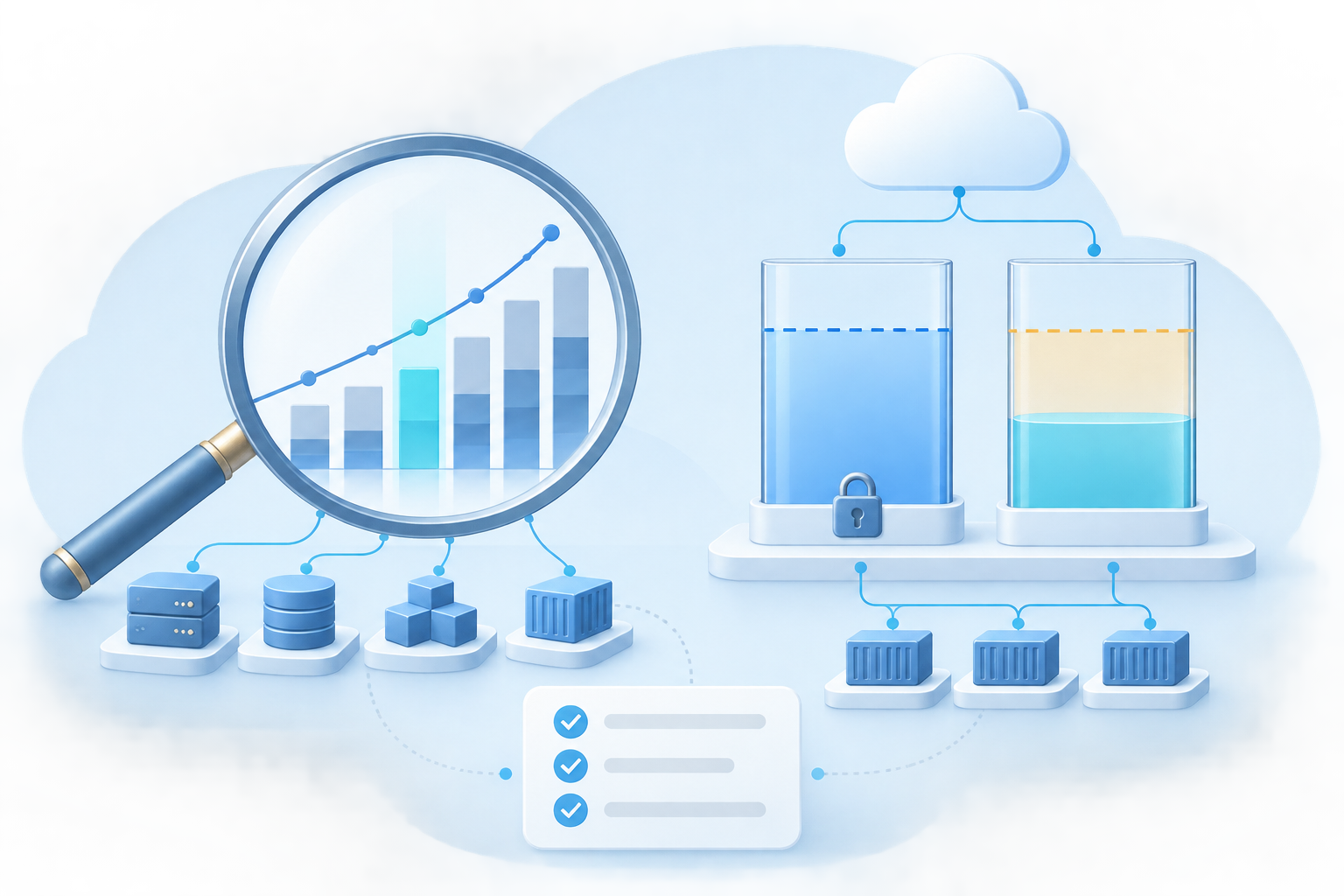
Start by using Cost Explorer to review cost trends and spending by service, then investigate when costs rose and what changed.
Do Savings Plans always reduce costs?
Not necessarily. With Savings Plans, you must pay the committed hourly amount even when eligible usage falls short of it. Review historical usage, projected future demand, and what the plan covers, then base your decision on the capacity you expect to use consistently.
Discuss AWS Cost Optimization
From analyzing AWS charges to planning safe improvements, Smile supports your operational requirements.
- Clarify cost growth drivers and ownership
- Safely review unused resources and oversized configurations
- Improve costs while preserving performance and availability
- Establish a regular cost review process