


What Is Migration? A Clear Guide to the Differences Between Rehosting, Rewriting, Rebuilding, and Replatforming, and How to Choose the Right Approach
What Is Migration?

Migration is the process of moving an existing system to a new environment while reviewing its maintainability, scalability, and operability. It should be seen not as a simple server relocation, but as a phased effort to shift to a platform that supports future business needs while protecting business continuity.
In many companies, core systems and business applications that have been used for years are increasingly failing to keep pace with current business speed and integration requirements. When operations depend on knowledge held by only a few staff members, outdated languages or OS environments, and growing integration burdens with other systems, even small improvements become difficult to implement. This is where migration becomes a key option.
Why Migration Is Needed Now

Migration becomes necessary not simply because a system is old, but because the cost of leaving it as is and the operational risks tend to increase.
For example, many companies face situations like the following.
- They are using servers or middleware that are nearing the end of their maintenance period.
- The scope of impact is difficult to assess with each modification.
- Heavy dependence on vendors or specific individuals
- Difficult to add new business requirements
- It can be difficult to connect with cloud platforms and external services.
Microsoft explains that cloud migration strategies should be evaluated based on both business goals and technical requirements. It also positions Rehost, Replatform, Rebuild, and similar approaches as migration options that differ in purpose and scope of change. In other words, migration is not only an IT department issue; it is also a topic that affects future business operations and investment decisions.
The Differences Between Rehosting, Replatforming, Rewriting, and Rebuilding
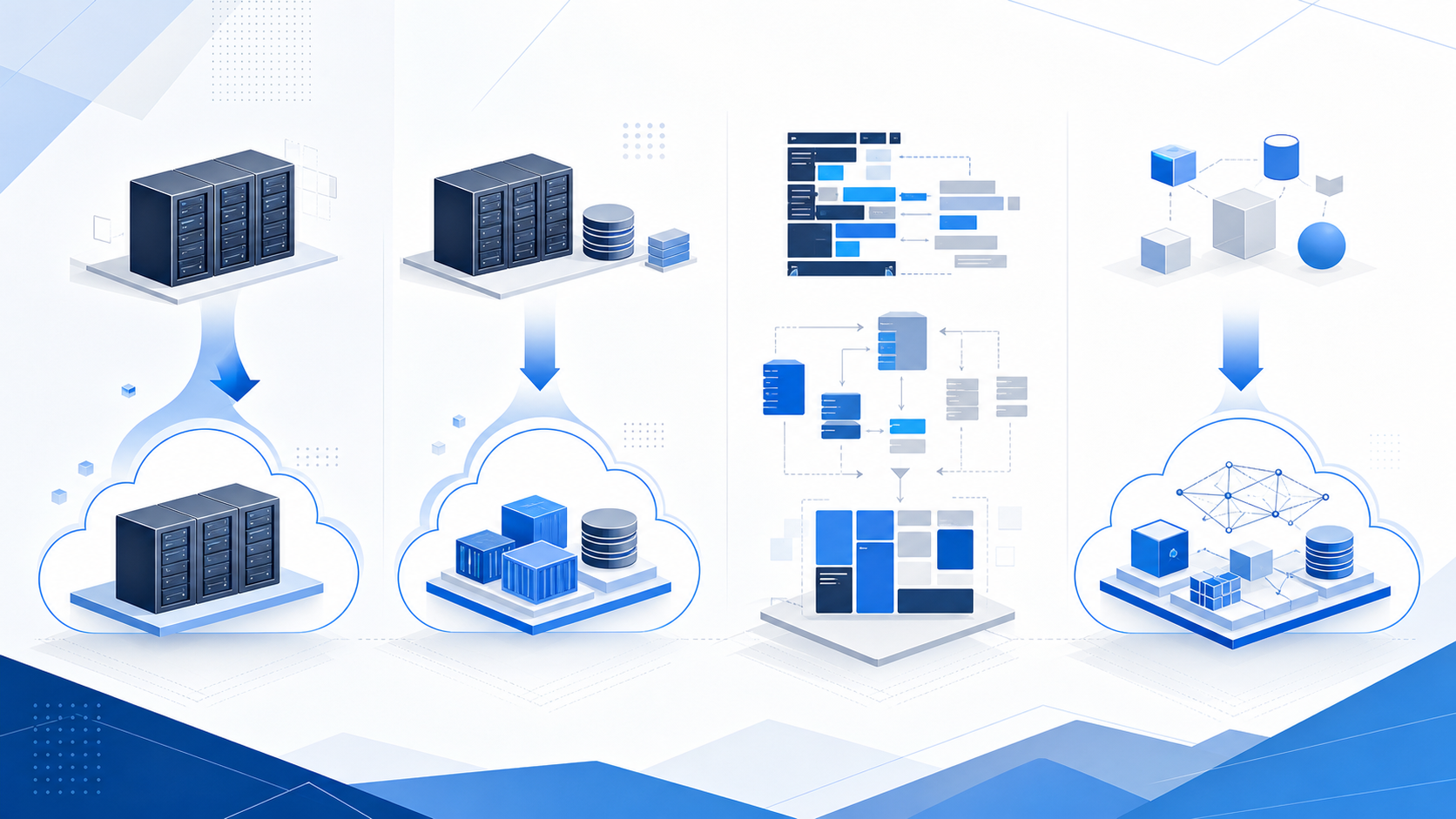
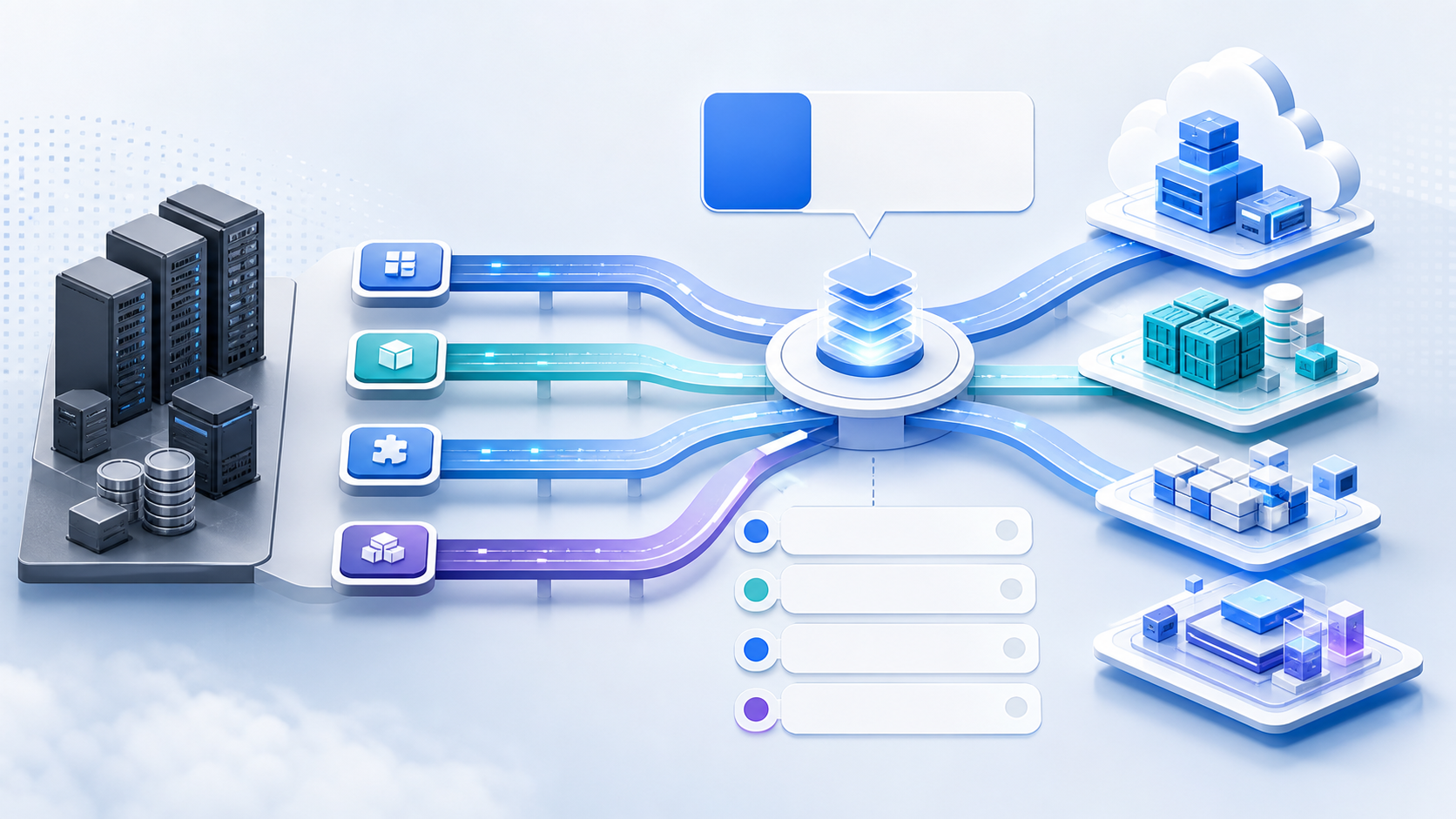
When considering migration, the approaches most often compared are rehosting, replatforming, rewriting, and rebuilding. They differ in how much they change the existing system, what outcomes they aim to achieve, and how much time and cost they require.
Rehost
Rehosting is an approach that moves the runtime platform to a new environment without making major changes to the application. Similar to what is often called “lift and shift,” it is characterized by the relative ease of completing the migration in a short period of time.
For example, this applies when an existing system running on an on-premises server is moved as is to a virtual machine in the cloud.
Best suited for:
- First, we want to reduce the risk of unsupported systems.
- Want to migrate quickly while minimizing business impact
- Avoid making major changes to current functionality
Points to note:
- Issues within the application itself are likely to remain.
- Technical debt is easy to postpone.
- If another renewal is needed within a few years, it can easily lead to duplicate investment.
Replatform
Replatforming is an approach that moves the operating environment to a more manageable foundation without rebuilding the entire application. It keeps code changes to a minimum while aiming to reduce the management burden of OS and middleware operations and improve reliability and scalability.
For example, this applies when an application previously operated on a virtual machine is moved toward a managed database, container platform, or PaaS.
Best suited for:
- You want to reduce the burden of infrastructure operations.
- You want to improve disaster recovery and availability.
- You want to avoid a major rebuild but still modernize the underlying platform.
Points to note:
- Preliminary validation is necessary even when the changes appear minor.
- The benefits may be limited depending on surrounding system integrations and performance requirements.
- The underlying application design may still remain outdated.
Rewrite
A rewrite is an approach that updates the program code and parts of the system configuration to fit a new language or environment without significantly changing business functionality. It is often chosen when companies want to move away from outdated programming languages or legacy frameworks.
Best suited for:
- Avoid making major changes to current business workflows
- They want to move to languages and platforms that are easier to maintain.
- You want to improve maintainability for future updates.
Points to note:
- The workload is greater than it appears
- Quality can easily suffer when the current specifications are unclear.
- The amount of testing required can easily increase.
Rebuild
Rebuilding is an approach that uses the current system as a reference while reconstructing it around new requirements and a new architecture. It offers a high degree of flexibility and is well suited to cloud-native architectures and new business process designs, but it often requires significant time and cost.
Best suited for:
- The current system is outdated and has structural limitations.
- Want to review the business processes themselves
- You want to prioritize future scalability and integration.
Points to note:
- Insufficient requirements definition can cause the project plan to expand.
- A transition plan is needed that includes adoption by frontline teams.
- Organizing data migration, access permissions, and integrations with peripheral systems takes time.
Which Approach Should You Choose?
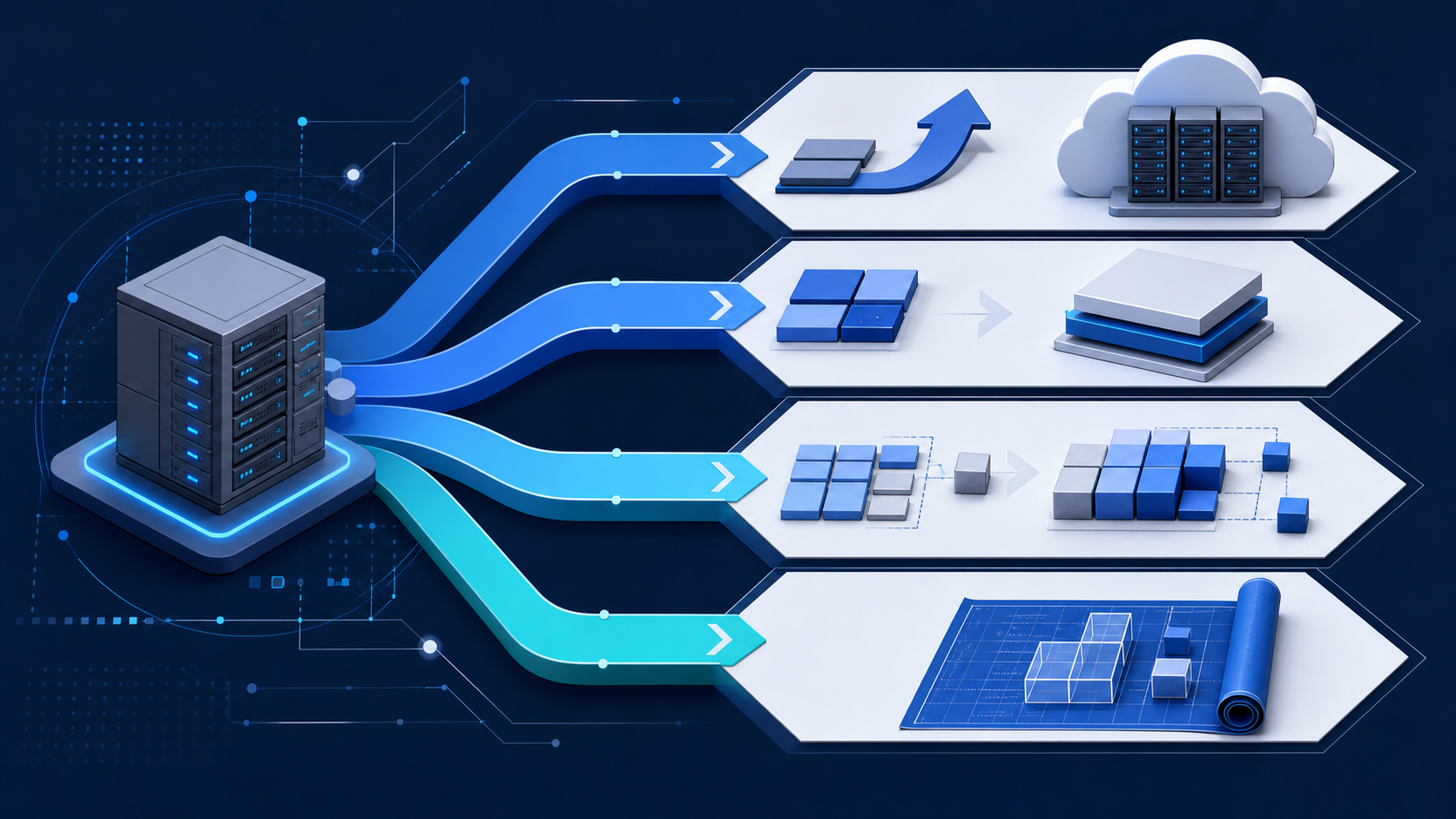
The right approach depends not only on the state of the system, but also on what you choose to prioritize.
When Rehosting Is the Right Approach
- First, we want to reduce the risk of system downtime.
- Budget or time is limited.
- The current system is relatively stable.
When Replatforming Is the Right Fit
- You want to reduce the burden of infrastructure maintenance.
- You want to improve operations while migrating to the cloud.
- You want to avoid large-scale redevelopment, but you can make some changes to the underlying platform.
When Rewriting Is the Right Approach
- Want to maintain business operations while making systems easier to maintain
- Want to move away from legacy languages and environments
- Want to modernize in stages
When Rebuilding Is the Right Approach
- The current specifications no longer fit business operations.
- You want to strengthen integration with other systems and make better use of data.
- You want to reduce operational workload over the medium to long term.
Microsoft also defines Rehost as a fast, low-risk migration approach, Replatform as a way to streamline operations with minimal code changes, and Rebuild as rebuilding the system almost from scratch to meet new requirements. The key is not to choose based on technical terminology, but to decide based on business priorities and operational constraints.
Common Approaches in Practice
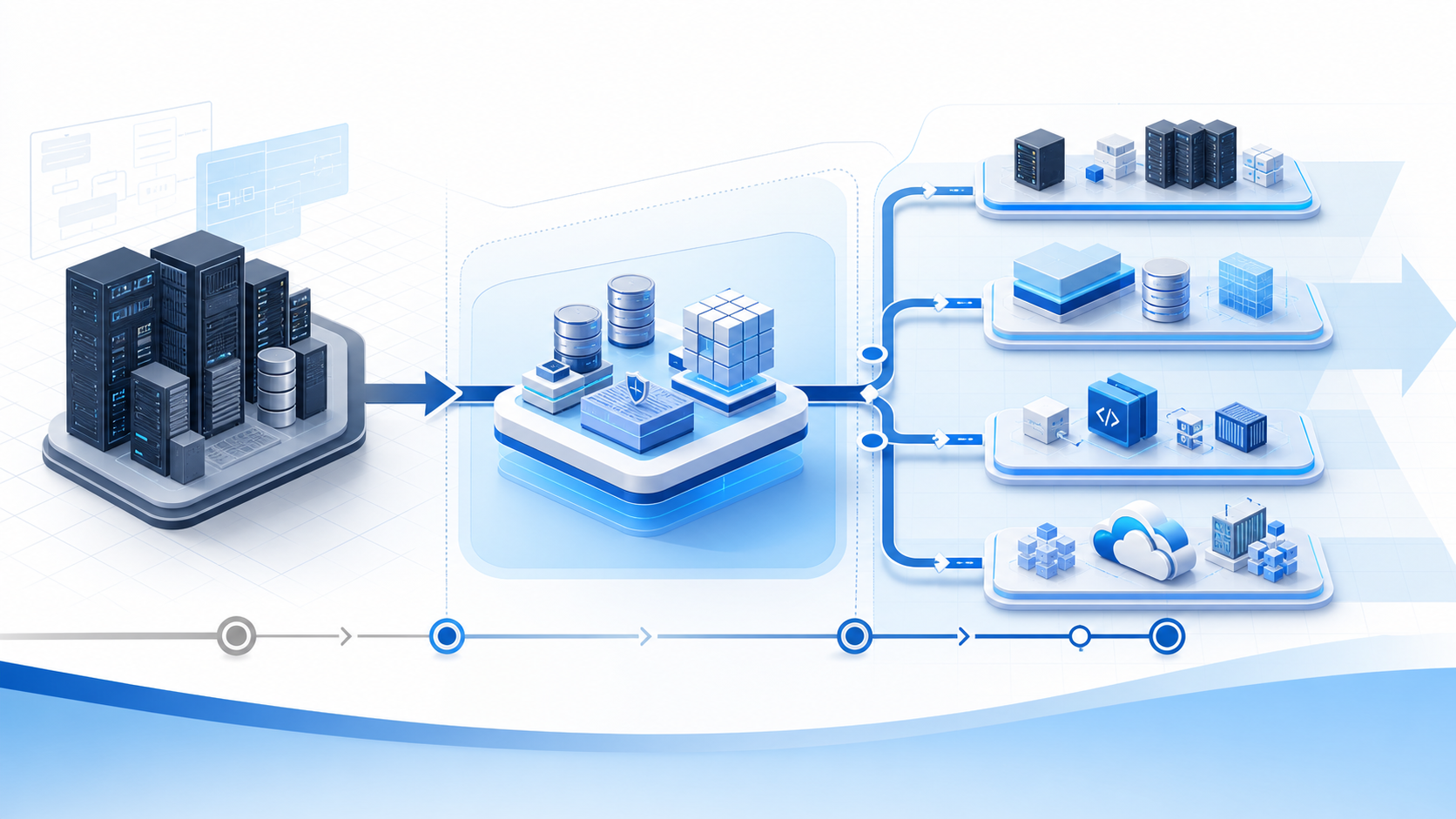
In real-world projects, a single approach often does not cover everything. For example, a team may first reduce platform risk through rehosting, then replatform, rewrite, or rebuild only the most critical functions.
This approach offers the following benefits.
- Easier to Minimize Business Impact Without a Full Replacement All at Once
- The budget can be divided more easily across multiple phases.
- Priorities can be adjusted based on current operations
However, when the project is divided into phases, the design philosophy can easily become inconsistent. For this reason, the overall architecture, data strategy, and testing policy should be aligned from the outset.
Common challenges in migration

Migration projects often run into difficulties at the current-state assessment stage, even before selecting an approach.
1. The current specifications are unclear
It is not uncommon for design documents to be out of date, business rules to be buried in the code, or only specific staff members to understand how things work. These issues can lead to inaccurate estimates and rework.
2. The testing workload is greater than expected
After migration, it is not enough for the system to simply run. You need to verify that it produces the same results as current operations, that there are no issues with related integrations, and that exception handling works as expected. For core systems in particular, comparison testing and user acceptance checks can place a significant burden on the organization.
3. Projects can easily become prolonged
The broader the scope, the more vulnerable the project becomes to external factors such as additional requirements, regulatory changes, and modifications to related systems. As a result, both timelines and costs are more likely to increase.
4. Misalignment with business departments
IT departments tend to prioritize technology modernization, while business units often focus on operational continuity. If this gap in perspective is left unaddressed, usability issues and mismatched expectations are more likely to surface after migration.
How to Avoid Failure
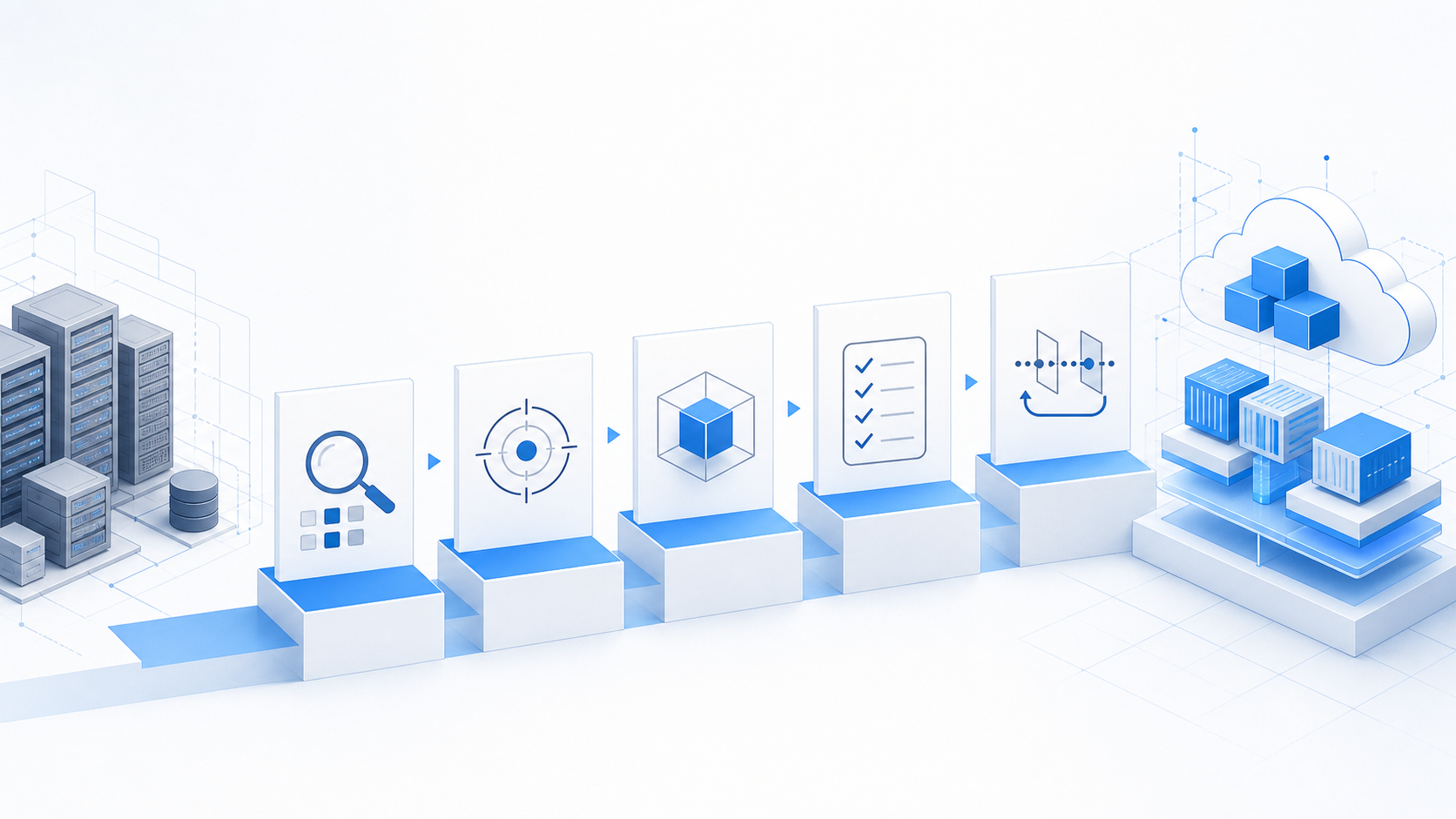
The success of a migration depends more on how it is carried out than on the method itself.
1. Conduct a thorough assessment of the current situation
This includes organizing the asset inventory, business workflows, external integrations, data structures, and the roles of operations staff. The larger the black box, the more worthwhile it is to spend time on the initial assessment.
2. Clarify priorities
Decide what to prioritize, such as short-term stability, cost optimization, improved scalability, or business process reform. If priorities are unclear, both the approach and scope will drift.
3. Validate in small steps
Before starting the full project, it is effective to run an initial validation using selected functions or systems. This allows you to confirm migration feasibility, performance, data consistency, and testing methods at an early stage.
4. Create the test plan first
In migration projects, waiting until the final stages of development to plan testing often leads to delays. It is important to decide early what defines success, how the current and new systems will be compared, and who will approve acceptance.
5. Plan for phased implementation
When a one-time switchover is difficult, it is more practical to transition gradually, starting with areas that have limited business impact. Defining rollback conditions in advance also makes it easier to make decisions.
How SMILE Can Help
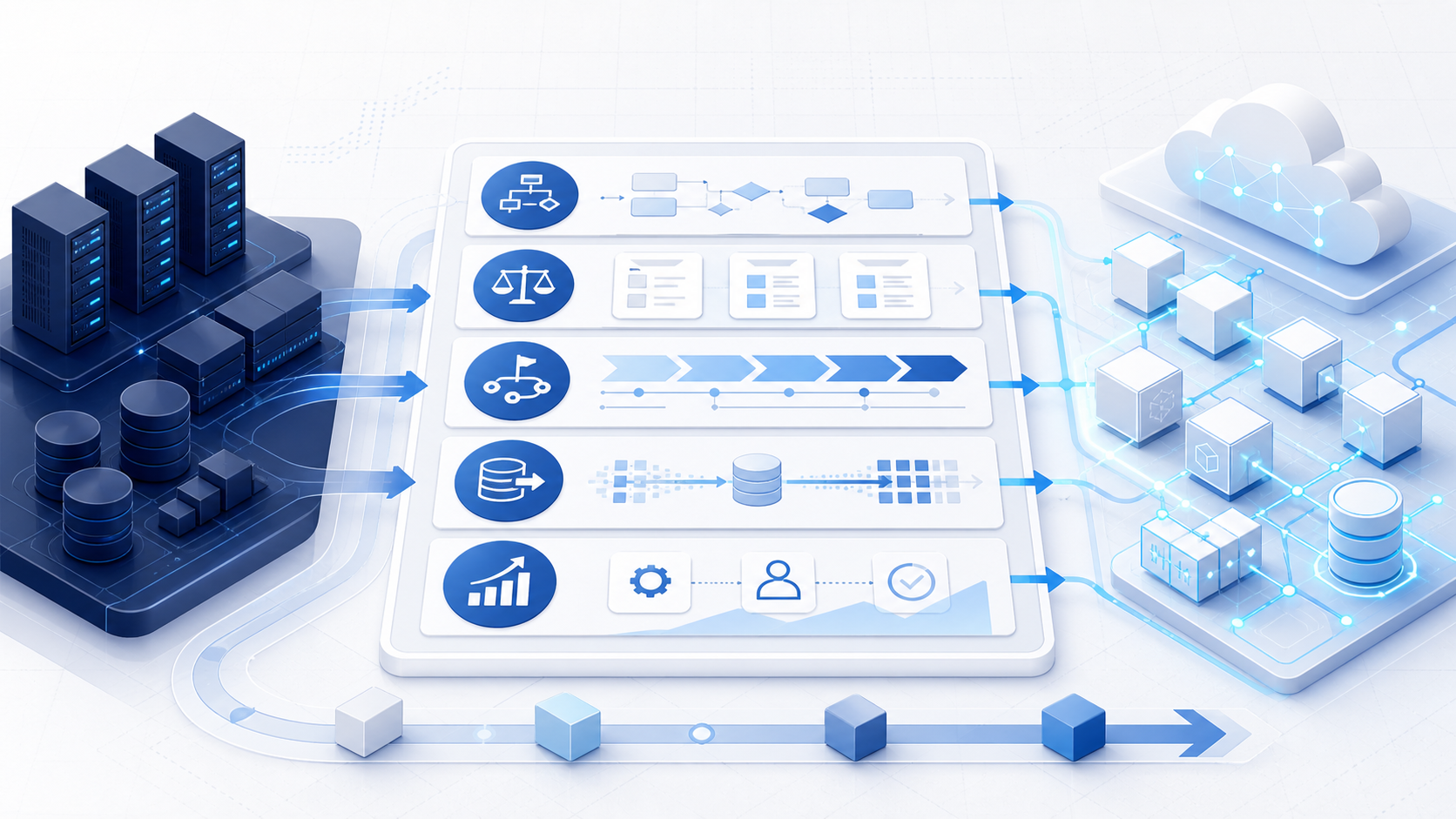
In migration projects, success depends not only on technology selection but also on understanding business operations, phased planning, and quality assurance. SMILE supports a step-by-step implementation process, from organizing business challenges and considering systemization to development and operations.
For example, the following types of support may be considered.
Organizing current business operations and system assets
Comparing Rehosting, Replatforming, Rewriting, and Rebuilding
A migration plan designed around a phased rollout
Design support for integration with peripheral systems and data migration
Operational improvements after phased implementation
The key is not to rebuild everything from the start, but to move forward at a manageable pace and in the order that best fits your company.
Conclusion
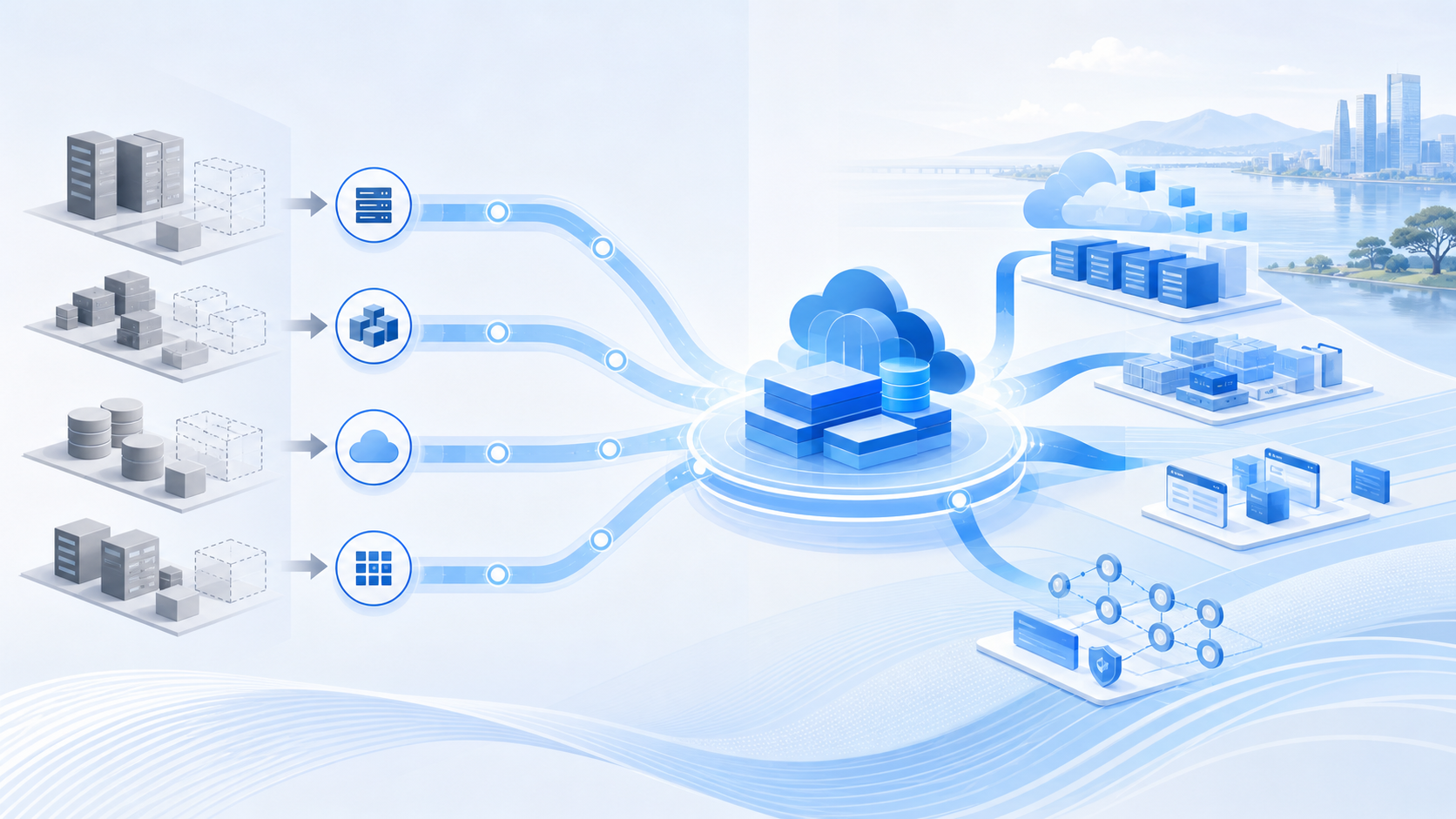
Migration is not simply about moving an old system to a new environment; it is an initiative to redesign the overall structure with future business needs and operations in mind. Rehosting, replatforming, rewriting, and rebuilding each have their own strengths and limitations, and the right choice depends on what you prioritize, such as short-term stability, operational improvement, better maintainability, or business process renewal.
The first priority is to review your current assets and business challenges, then determine what should be retained and what should be changed.
SMILE supports phased implementation, from organizing business challenges and evaluating systemization to development and operation.
Companies considering DX or the use of AI should start with small operational improvements.
FAQ
Q1. Are migration and modernization the same thing?
The terms are sometimes used interchangeably, but strictly speaking, they are slightly different. Migration often refers to the transfer itself, while modernization may include not only migration but also the modernization of operations and system architecture.
Q2. What is the difference between rehosting and replatforming?
Rehosting moves an application with almost no changes. Replatforming, by contrast, shifts it toward a more manageable foundation while keeping code changes to a minimum. If operational improvement is also a goal, replatforming is a strong candidate.
Q3. Does rebuilding always have to be expensive?
In general, costs and timelines tend to increase, but when the current system has significant constraints, this approach can sometimes reduce total costs compared with repeatedly making partial modifications.
Start a Consultation on GX and DX Initiatives
From assessing your current situation to implementing systems and improving operations, we work with you to design an approach that fits your company’s needs.
- We can help clarify issues in your current operations and data.
- You can design implementation steps that fit your organization’s structure.
- You can continue building a framework that remains easy to operate after implementation.
- You can use data to verify results and make ongoing improvements.
- You can start exploring AI and IoT applications in the areas where they are most needed.